
Blog
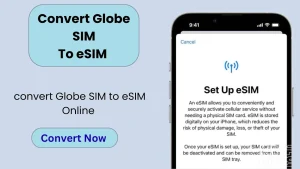
How To Convert Globe SIM To eSIM – 2026
To convert your Globe SIM to an eSIM, open the GlobeOne app, go to SIM services, select “Change SIM,” and follow the steps to complete…
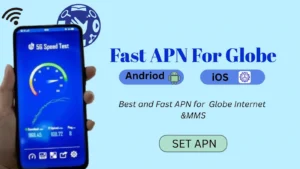
Best APN for Globe: Fast Internet Settings for Android & iOS
It is important to set up Globe APN for fast and reliable mobile internet, MMS, and data browsing on your phone. Whether you use Globe…
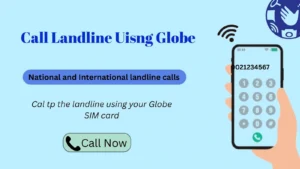
Call a Landline Using Your Globe SIM Card – Step-by-Step Guide
To call a landline using Globe, just dial 0 + area code + landline number. For example, to call Metro Milana, dial 0, then area…
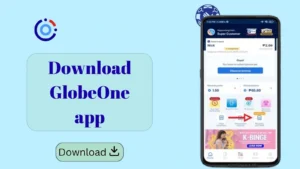
Download Globe One App for Android and iOS
Globe Telecom officially launched the Globe SIM app. Globe Download the Globe One app and manage your Globe and TM SIM related tasks online and…
How to Check Balance In Globe: Load & Data Inquiry
To check balance in Globe instantly, you can dial *143#, send BAL to 8080, or open the GlobeOne app to view your load, data balance,…
Globe Load to GCash: Truth, Updates & Safe Alternatives
Many users want to convert Globe load to GCash, but Globe has already removed all features that allowed direct or indirect load transfer and conversion…

Globe PUK Code: Recover and Unlock Your SIM Safely
If your Globe SIM asks for a PUK code, it means your SIM is locked after entering the wrong PIN multiple times. The PUK (Personal…
PasaLoad in Globe 2026 – Share Balance, Promos & MBs
Globe officially ended the Pasalod Globe service, so you can no longer directly transfer load to another number using the old methods (text or *143#)…