
Globe PUK Code: Recover and Unlock Your SIM Safely

If your Globe SIM asks for a PUK code, it means your SIM is locked after entering the wrong PIN multiple times. The PUK (Personal Unlocking Key) is essential to unlock your SIM safely and regain access to calls, texts, and mobile data. You can get your PUK code from Globe SIM coverage, the GlobeOne app, and via customer care.
How To Get Globe SIM PUK Code?
There are three different ways to recover your Globe PUK code. You can use any of these methods according to your choice and ease. Here is the detailed tutorial about each method. But ensure that SIM registration Globe is completed to unlock the PUK code.
Check your Globe SIM pack
Here is how to get the PUK code via the SIM card packaging:
- If your SIM card packaging is available to you, you are very lucky. Look at the original SIM card packaging you received when you bought your SIM.
- The PUK code is usually printed on the card along with your SIM number and initial PIN.
- This is the quickest and most direct way to find your Globe PUK code safely.

Through the GlobeOne app
Here is the step-by-step guide to get the PUK code online via the GlobeOne app:
- Download and open the Globe One app on your phone and log in using your Globe or TM number.
- Navigate to the “Manage SIM” section.” You can use the search option for direct access.
- Look for PUK code information
- Use the displayed PUK code to unlock your SIM and set a new PIN.
Contact Globe customer support
Here is how to know the PUK code of a Globe SIM card via customer care:
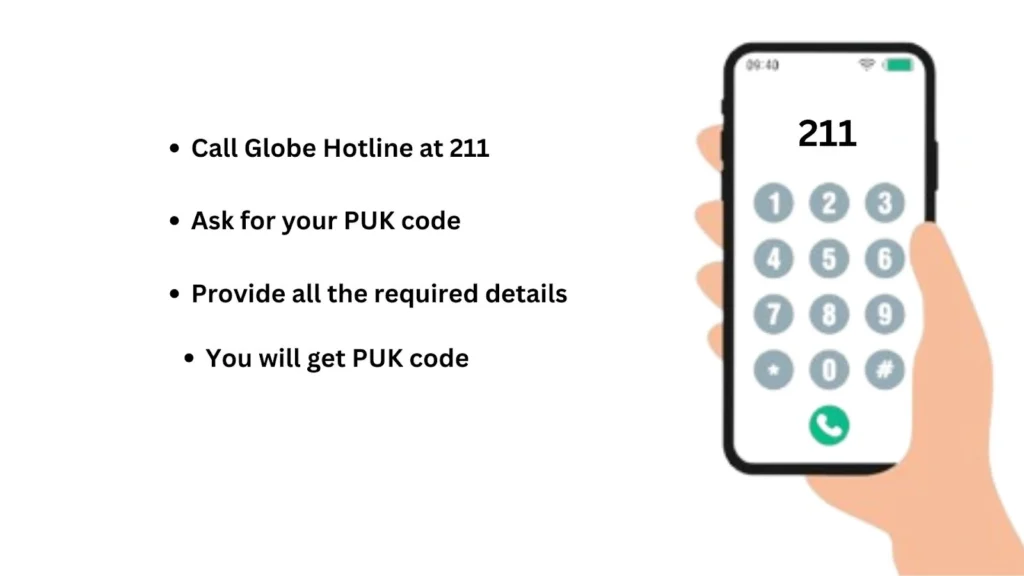
- Call Globe Hotline at 211 from your Globe number or (02) 7730-1000 from other networks.
- Ask for your PUK code. You will be asked to provide some details. Provide all the required details accurately.
- Customer support will provide your PUK code.
How To Unlock Your SIM Using a PUK Code?
After getting your PUK code from Globe, enter t to unlock your SIM card. Here is the detailed tutorial about Globe PUK code recovery:
- Your phone will display a message asking for the PUK code when the SIM is blocked.
- Enter the PUK code carefully from your SIM pack, GlobeOne app, or customer support. Enter slowly to avoid mistakes. If you enter the wrong code three times, your SIM will be automatically deactivated.
- After the correct PUK, create a new PIN. Choose one that is easy to remember but secure.
- Re-enter the new PIN to confirm. Your SIM will now be unlocked.
- Test your SIM by making a call, sending a text, or using mobile data to ensure it works. Also step up the Globe APN for better network and internet connection.
- Save your PUK and PIN in a secure place and avoid sharing them with unknown apps or people.
What Happens If You Enter the Wrong PUK Code?
Entering the wrong PUK code too many times on your Globe SIM will leads to the permanent blockage of your SIM. You have a maximum of 10 attempts. If you enter the wrong code ten times, your SIM will be permanently blocked At this stage, new SIM is required to use your number. You can consider Globe SIM replacement in this situation.
Always use the PUK from your SIM pack, GlobeOne app, or official Globe customer support to unlock safely. If you want eSIM, check how to convert Globe SIM to eSIM.
Tips for Managing Your PIN and PUK Safely
Follow these simple steps to avoid accidental blocks and maintain safe access to calls, texts, and mobile data.
- Store your PUK securely – Keep it in a safe place separate from your phone.
- Memorize your PIN – Avoid writing it down where others can see.
- Use official channels only – Access PUK via GlobeOne app or verified customer support.
- Avoid sharing codes – Do not share PIN or PUK with unknown apps or people.
- Update PIN regularly – Change your SIM PIN periodically to enhance security.
FAQs
Conclusion
If your Globe SIM is blocked, use the Globe SIM PUK code to regain access. Always get the PUK code Globe from your SIM pack, GlobeOne app, or customer support. Enter the PUK carefully, set a new PIN, and store both securely. Following these steps prevents a permanent SIM block, protects your contacts and balance, and ensures uninterrupted use of calls, texts, and mobile data.
