How To Convert Globe SIM To eSIM – 2026

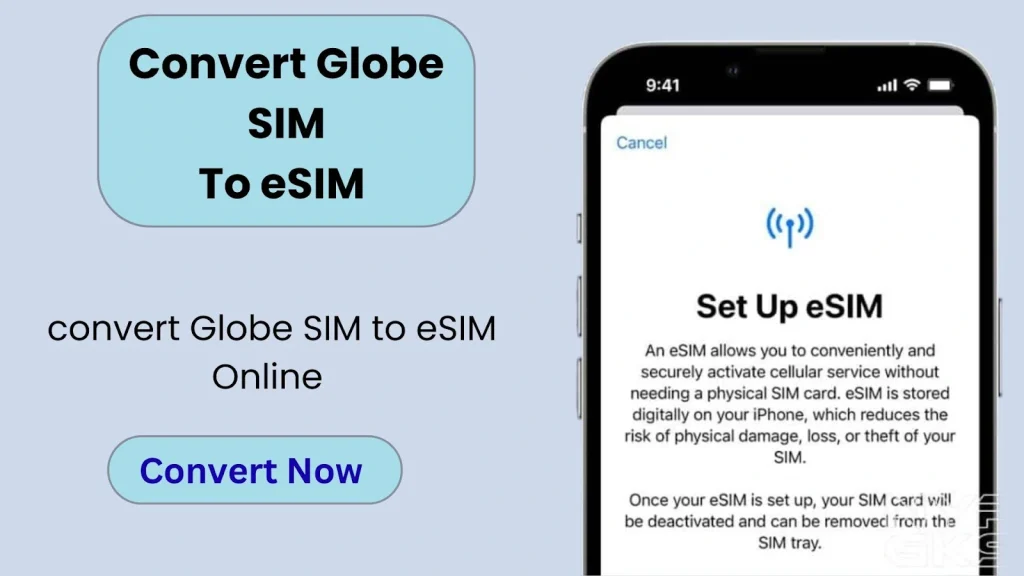
To convert your Globe SIM to an eSIM, open the GlobeOne app, go to SIM services, select “Change SIM,” and follow the steps to complete the process. It is quick and done entirely within the app. You only need your active SIM set as the primary number, the latest app version, a valid email address, and enough balance (At least ₱99) for the fee. Below are the full details and the complete process.
Requirements to Convert Physical Globe SIM to eSIM
Before converting the Globe SIM to eSIM, make sure that you have:
- A physical SIM card (linked as the primary number in your GlobeOne account)
- The latest version of the GlobeOne app (version 1.9.26 or newer)
- At least ₱99 balance (via GCash, debit, or credit card)
- An active email address
- You have completed the Globe SIM registration.
How to convert a Globe SIM to eSIM?
Here is the step-by-step tutorial for the eSIM Globe SIM online. The process is the same for both prepaid and postpaid Globe SIM cards:
- Open and log in to the GlobeOne app using your SIM number. Click here to download GlobeOne app.
- Go to SIM Services and tap Change SIM
- Select Physical SIM to eSIM
- Tap Continue and accept the terms
- Enter the verification code sent to you
- Add your email address (for QR code and receipt) . Make sure that is Email is active.
- Choose a payment method and pay ₱99.
- Select Download eSIM to this phone
- Follow the prompts and allow installation
- Activate the eSIM. The eSIM will appear as a secondary line at first
- Once it connects to the network, your physical SIM will be automatically disabled
You will successfully switch from a physical SIM to an eSIM, and your number will now work digitally on your device.
How To Check If My Phone Supports eSIM?
Here is how to check both Android and iOS devices:
Andriod
Check if your Android phone supports eSIM using these steps:
- Go to Settings → Connections / Network → SIM Manager
- If you see “Add eSIM” or “Download SIM”, your phone supports eSIM
iOS
Check if your iPhone supports eSIM using these steps:
- Go to Settings → Cellular / Mobile Data
- Look for “Add eSIM” or “Add Cellular Plan.”
Benefits of Globe eSIM
Here are the benefits of switching from Globe SIM to eSIM for both prepaid and postpaid SIM cards:
- You can easily download your eSIM anywhere, anytime. There is no need to visit the store physically.
- Avoid the hassle of opening your SIM tray or handling a physical SIM card. Everything is done digitally in minutes.
- You can use multiple eSIM profiles on one device.
- Postpaid Globe users enjoy uninterrupted service with a stable monthly plan, automatic renewals, and no need to reload manually.
- You can manage Globe SIM APN and Globe PUK code as Globe physical SIM card.
FAQs
Conclusion
To convert a Globe SIM to an eSIM, just open the GlobeOne app, go to SIM services, select “Change SIM,” and follow the steps to complete the switch in a few minutes. Before converting the SIM, first check whether your mobile supports eSIM. For this purpose, go to settings and look for the “Add eSIM” option. You can also dial *#06# to see if an EID number appears. Overall, eSIM makes things easier by removing the need for a physical SIM and giving you more flexibility to manage your number.